




The Ultimate Guide to Rack Mini Servers Compact Power for Your Needs | FAQ |
The Ultimate Guide to Rack Mini Servers: Compact Power for Your Needs
What Is a Rack Mini Server?
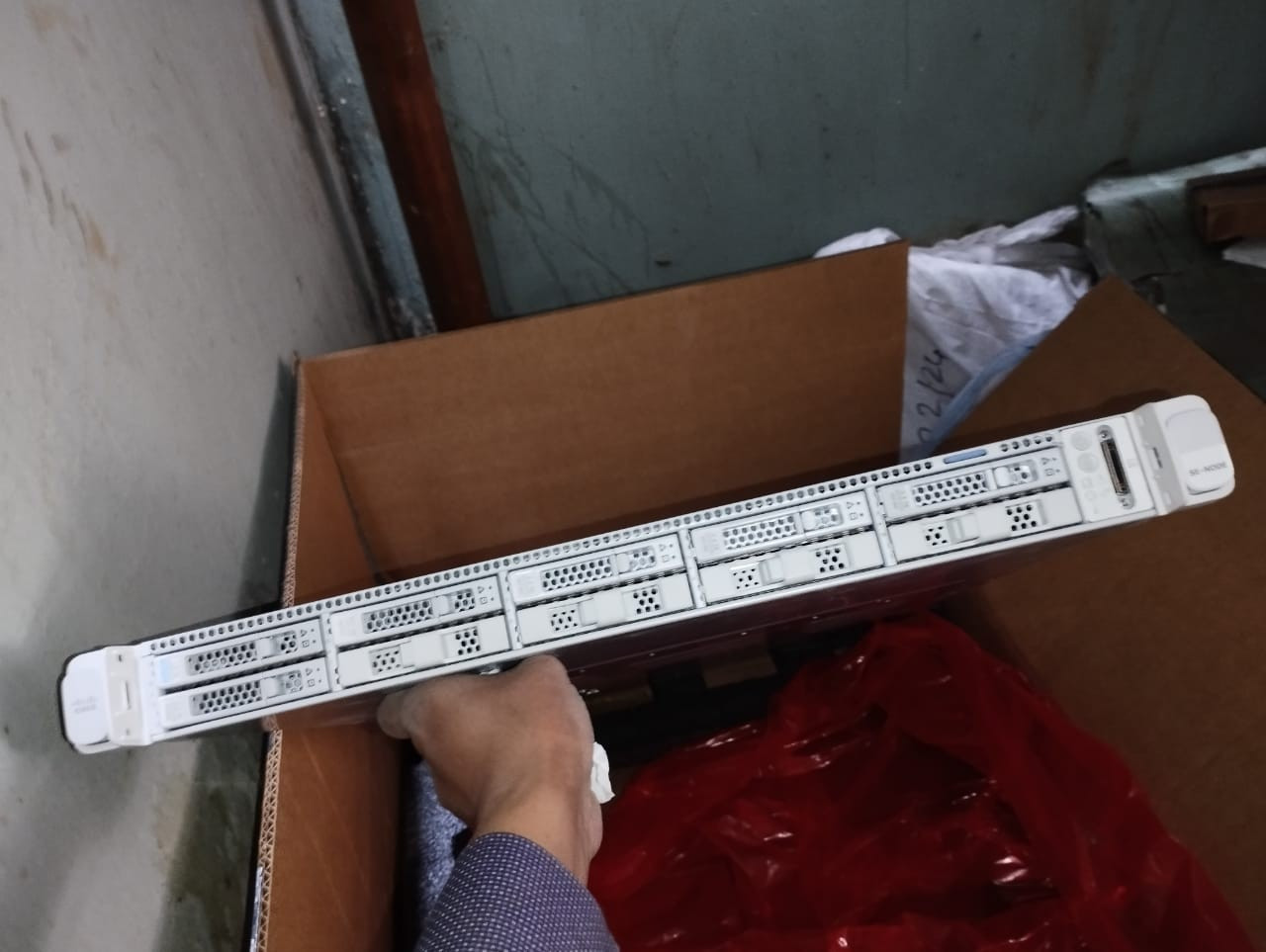
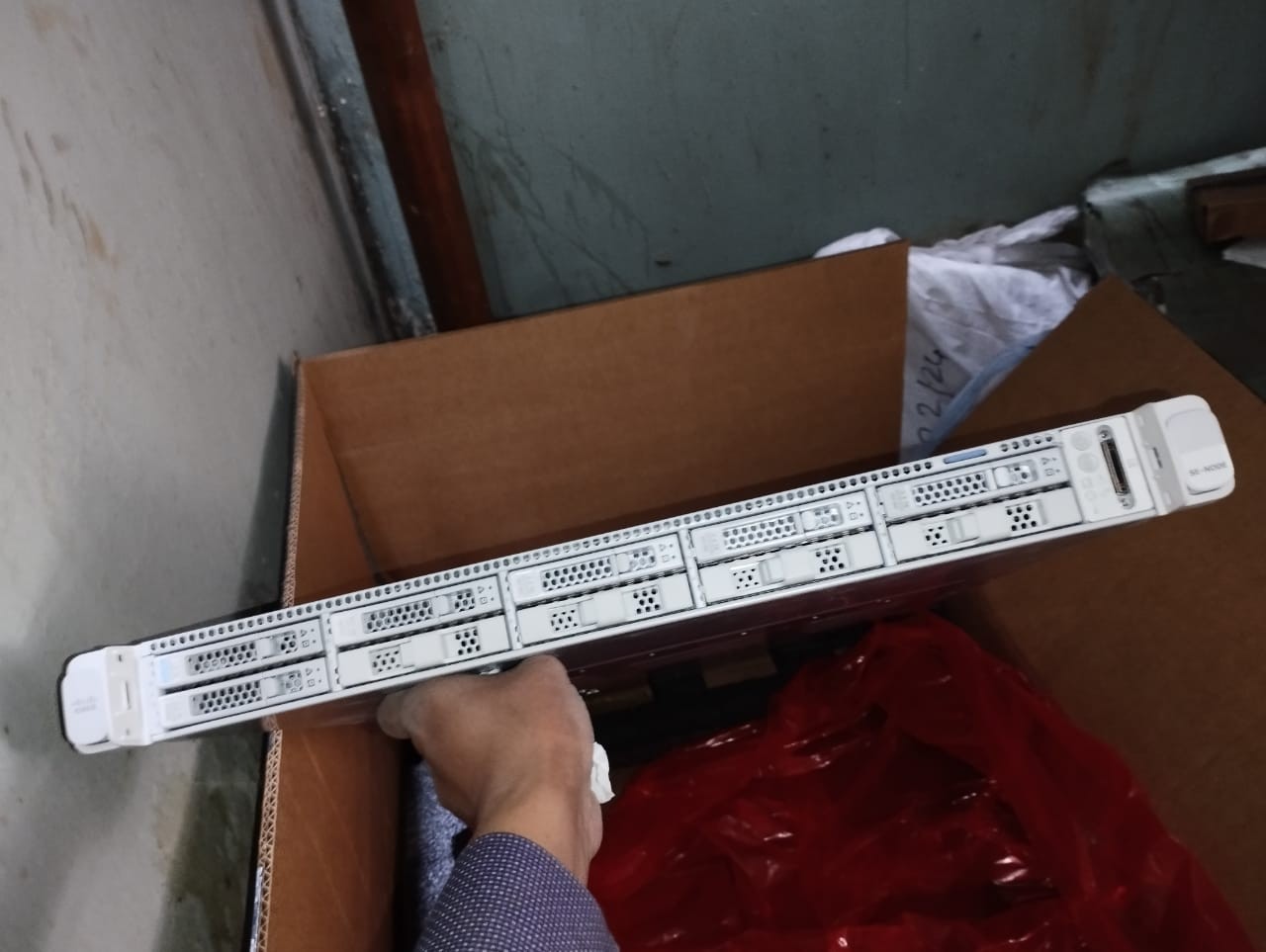
A mini server is a compact, space-efficient server designed to fit in a small server rack or even on a desk. These servers pack powerful hardware into a small form factor, making them ideal for small businesses, home labs, and edge computing.
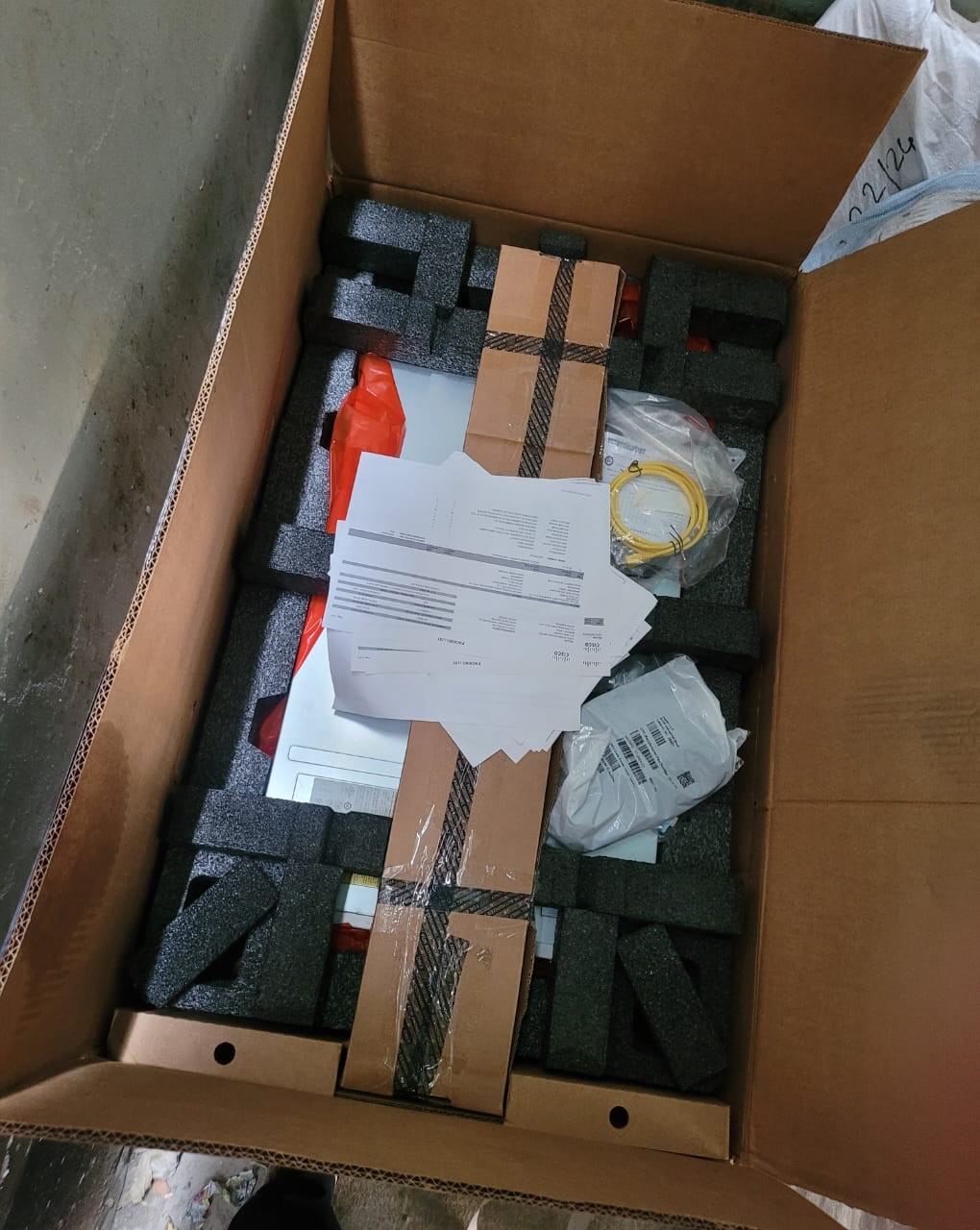
Check the product at Ekra Cargo
Why Choose a Rack Mini Server?
- Space-saving design – Fits in tight spaces.
- Energy-efficient – Consumes less power than full-sized servers.
- Scalable – Easy to expand with additional units.
- Versatile – Great for hosting websites, NAS,
virtualization, and more.
Best Mini Servers in 2024
Here
are some top-rated mini servers with their pros and cons:
1. Dell PowerEdge R250
✅ Pros:
- Intel Xeon E-2300 processor
- Supports up to 128GB RAM
- Dual SSD/HDD bays
- Quiet operation
❌ Cons:
- Limited expansion slots
- Higher price than some
competitors
2. HPE ProLiant MicroServer Gen10 Plus
✅ Pros:
- Affordable entry-level option
- AMD Ryzen or Intel Xeon options
- Four drive bays for storage
- Easy to manage
❌ Cons:
- Not as powerful as larger
servers
- Limited PCIe slots
3. Supermicro E300-9D
✅ Pros:
- Ultra-compact (1U height)
- Dual 10G Ethernet ports
- Supports Intel Xeon D
processors
- Great for edge computing
❌ Cons:
- Noisy under heavy load
- Requires technical expertise to
set up
Buying Guide: How to Choose the Best Mini
Server
1. Determine Your Needs
- Home Lab: Look for low power consumption and quiet
operation.
- Business Use: Prioritize reliability and remote management.
- Virtualization: Opt for high RAM and multi-core CPUs.
2. Key Features to Consider
- Processor (CPU): Intel Xeon or AMD EPYC for heavy workloads.
- RAM: Minimum 16GB for basic tasks, 32GB+ for
virtualization.
- Storage: SSD for speed, HDD for capacity (or a mix of
both).
- Expandability: Check for extra drive bays and PCIe slots.
3. Form Factor
- 1U (Thin): Fits more units in a rack but may have fewer
expansion options.
- 2U-3U (Thicker): Better cooling and more hardware flexibility.
4. Budget Considerations
- Under $1,000: Entry-level models (HPE MicroServer, used Dell
servers).
- 1,000−1,000−3,000: Mid-range with better performance (Supermicro,
Dell R250).
- $3,000+: High-end for demanding workloads (Cisco UCS,
custom builds).
My Personal Experience with Rack Mini Servers
I’ve
used the HPE ProLiant MicroServer Gen10 Plus for my home lab,
and it’s been a great balance of power and efficiency. It runs Plex, a few VMs,
and a NAS setup without breaking a sweat. The only downside? Upgrading RAM was
a bit tricky due to limited slots.
For
business use, the Dell PowerEdge R250 was a
game-changer—reliable, fast, and easy to manage remotely.
FAQs About Rack Mini Servers
Q1: Can a mini server replace a
full-sized server?
A:
For small to medium workloads, yes! But for large enterprises, a full rack
server may still be needed.
Q2: Are mini servers noisy?
A:
Some can be, but models like the Dell R250 are designed for quiet operation.
Q3: Can I use a mini server for gaming?
A:
Not ideal—gaming requires high-end GPUs, which most mini servers don’t support.
Q4: How do I cool a mini server?
A: Ensure proper airflow in the rack, or choose a model with efficient cooling fans.
Final Thoughts
A rack
mini server is a fantastic solution if you need power in a small
package. Whether for business, home labs, or edge computing, there’s a model
that fits your needs.
Ready to buy? Check out the recommendations above and consider your budget, performance needs, and future scalability.


Ekracargo.com - Your trusted partner in industrial efficiency, providing a wide range of premium quality spare parts at competitive prices.
Contact Info
- Address: House 54 | Road 14 | Sector 14 | Uttara | Dhaka 1230 | Bangladesh
- Phone: Contact: +8801634736139 (WhatsApp) ,+8801789394669 (WhatsApp)
- Email: info@ekracargo.com