




Home Server Rack The Ultimate Guide for Beginners & Enthusiasts | FAQ |
Home Server Rack: The Ultimate Guide for Beginners
& Enthusiasts
If your desk is buried under modems,
routers, NAS units, and cables, it’s time to step up your game. A home
server rack is the secret to keeping your home network neat, secure, and
ready for expansion.
Whether you're a tech hobbyist, a remote worker, or an IT professional running a homelab, this guide will walk you through everything you need to know!
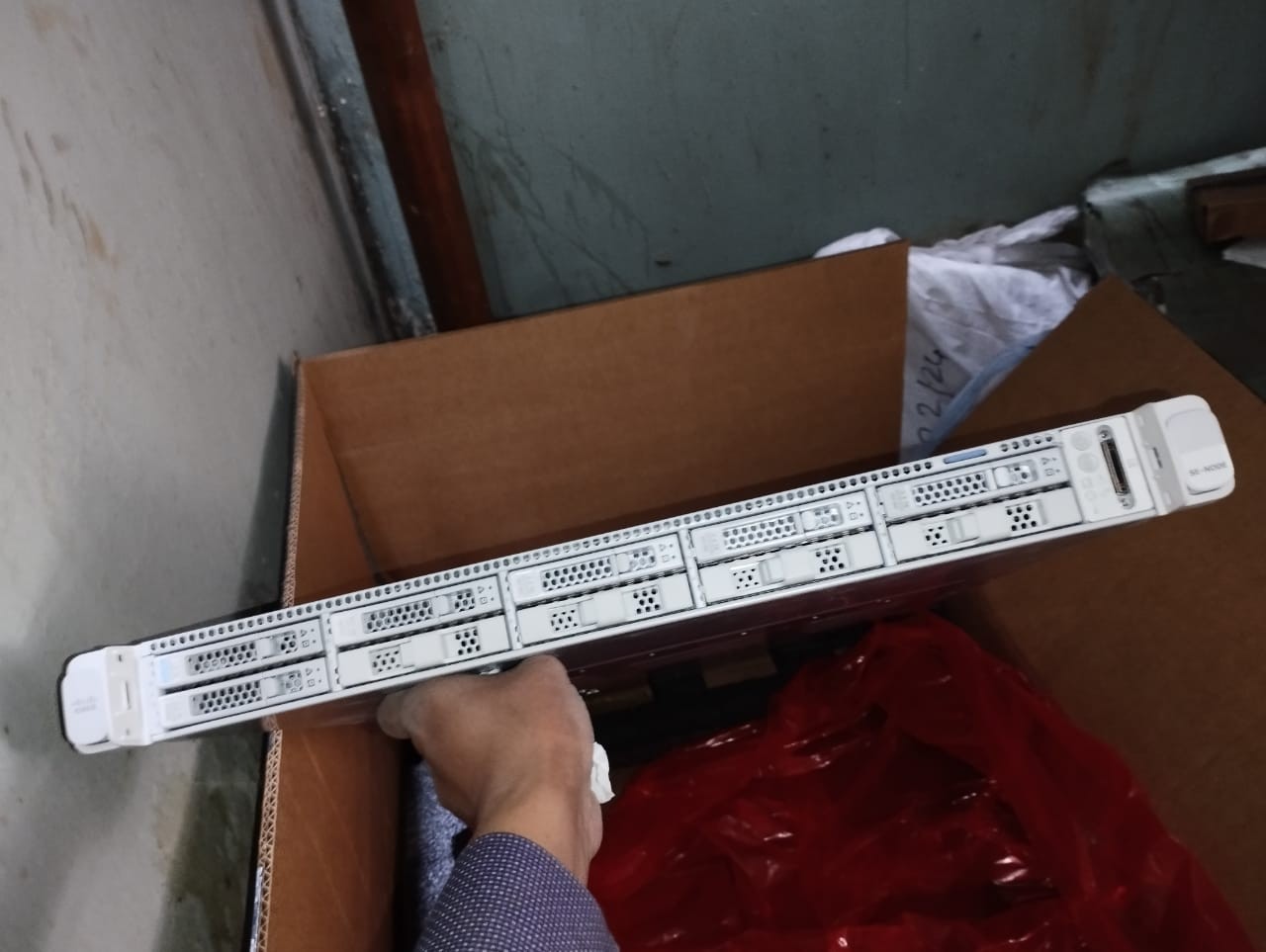
Check the product at Ekra Cargo
What
is a Home Server Rack?
A home server rack is a specialized
frame or cabinet designed to hold your network devices, servers, and
accessories. It keeps everything:
- Organized
- Easily accessible
- Properly ventilated
- Protected from damage
Think of it as a tech-savvy
bookshelf, but for your gear!
Why
You Need a Server Rack at Home
Here are a few reasons why a home
server rack is a must-have:
- Cable Management:
Say goodbye to tangled wires.
- Airflow & Cooling: Prevent overheating and extend equipment life.
- Security:
Lock up your expensive network hardware.
- Professional Look:
Turn your setup into a clean, functional space.
- Future-Proofing:
Easily add new gear without the mess.
Types
of Home Server Racks
Before you click "buy,"
let’s break down the types of racks suitable for home use:
1.
Open-Frame Racks
- No doors or side panels.
- Budget-friendly and easy to install.
- Best for cool, safe indoor spaces.
2.
Enclosed Server Cabinets
- Lockable doors and side panels.
- Offers security and dust protection.
- Ideal if kids or pets roam your space.
3.
Wall-Mount Racks
- Mount directly on the wall.
- Saves floor space.
- Great for small homes or apartments.
Key
Factors to Consider Before Buying
Choosing the perfect home server
rack is easier when you know what to look for:
1.
Size & U Height
- Measured in U (rack units).
- 1U = 1.75 inches
of vertical space.
- Common sizes: 6U, 9U, 12U, 15U, 22U.
- Plan ahead: Always buy slightly bigger than your
current needs.
2.
Depth & Width
- Check the depth of your servers and gear.
- Standard width: 19 inches for most network
hardware.
- Make sure the depth matches your devices!
3.
Airflow & Cooling
- Open racks: Excellent natural airflow.
- Enclosed cabinets: Choose models with built-in fans or
ventilation holes.
4.
Weight Capacity
- Racks have weight limits.
- Always check the static and dynamic
weight ratings.
5.
Security Features
- Enclosed racks offer locks and tamper-resistant
designs.
- Perfect for shared spaces or households with kids.
Best
Home Server Rack Recommendations
Here are a few great picks for
beginners and tech enthusiasts alike:
1.
StarTech 12U Open Frame Rack
Pros:
- Adjustable depth.
- Sturdy, industrial-grade steel.
- Budget-friendly and easy to assemble.
Cons:
- No built-in security.
- Exposed to dust.
Best For:
Small home labs and beginners.
2.
NavePoint 9U Wall-Mount Rack
Pros:
- Space-saving wall design.
- Lockable front door.
- Affordable and compact.
Cons:
- Limited U space for large gear.
- Needs strong wall mounting.
Best For:
Tight spaces, small home offices.
3.
Tripp Lite SR18UB 18U Enclosed Server Rack
Pros:
- Fully enclosed with locking doors.
- Removable side panels for easy access.
- High-quality cable management.
Cons:
- Higher price point.
- Bulkier, needs floor space.
Best For:
Serious home server users and pros.
My
Personal Experience with Home Server Racks
When I first started setting up my
home network, I underestimated how quickly devices would multiply. Routers, NAS
devices, a home server, and switches soon cluttered my workspace.
I invested in a NavePoint
wall-mount rack — and it instantly changed my setup. My cables were
organized, airflow improved, and I had room for future devices. It felt like
going from chaos to calm in just one afternoon.
For larger setups, I later upgraded
to a Tripp Lite SR18UB, and the security and cable management were worth
every penny.
Buying
Guide: How to Choose the Right Home Server Rack
Here’s a quick step-by-step checklist
to make buying easier:
1.
List Your
Devices: Write down what you need to rack
now and what you plan to add later.
2.
Measure
the Space: Measure both your gear and your
available room.
3.
Plan for
Cooling: Decide between open or enclosed
based on room temperature.
4.
Security
Needs: If you have kids, pets, or visitors
— consider lockable racks.
5.
Budget: Quality racks are available for all price ranges. Spending
a bit more now can save a lot later.
FAQs
About Home Server Racks
What
size home server rack do I need?
The size depends on your current and
future equipment. Start with a 9U to 15U for small setups, and scale up
to 18U or 22U if you plan to grow.
Is
a server rack necessary for a home network?
If you have more than two devices
(router, NAS, switch), a rack can save space, improve airflow, and make
maintenance easier.
Are
wall-mount racks secure?
Yes! Most wall-mount racks include
locking doors and strong steel frames. Just ensure the wall can handle the
weight.
Do
server racks require special cooling?
Not always. Open-frame racks rely on
room airflow, while enclosed racks benefit from built-in fans or climate
control.
Can
I DIY my server rack?
You can, but pre-made racks offer better security, airflow, and convenience — plus, they often cost less than DIY materials.
Final
Thoughts
A home server rack is one of
the smartest investments you can make for your home tech setup. Whether you’re
running a simple home network or a full-fledged homelab, a rack will make your
life easier by improving organization, airflow, and future scalability.
Start small, plan for growth, and
don’t skimp on security or ventilation. Your servers — and your peace of mind —
will thank you.


Ekracargo.com - Your trusted partner in industrial efficiency, providing a wide range of premium quality spare parts at competitive prices.
Contact Info
- Address: House 54 | Road 14 | Sector 14 | Uttara | Dhaka 1230 | Bangladesh
- Phone: Contact: +8801634736139 (WhatsApp) ,+8801789394669 (WhatsApp)
- Email: info@ekracargo.com