




The Ultimate Guide to Computer Server Racks Easy for Beginners & Pros | FAQ |
The Ultimate Guide to Computer Server Racks — Easy for
Beginners & Pros!
In today's digital world, whether
you're running a small business, setting up a home lab, or managing a large
data center — a computer server rack is essential. It keeps your
servers, networking equipment, and cables organized, secure, and cool.
If you’ve ever wondered, “What’s
the best server rack for my needs?” — you’re in the right place.
This guide will break it all down for you: from types of server racks to buying tips, product recommendations, and personal advice based on real-world experience.
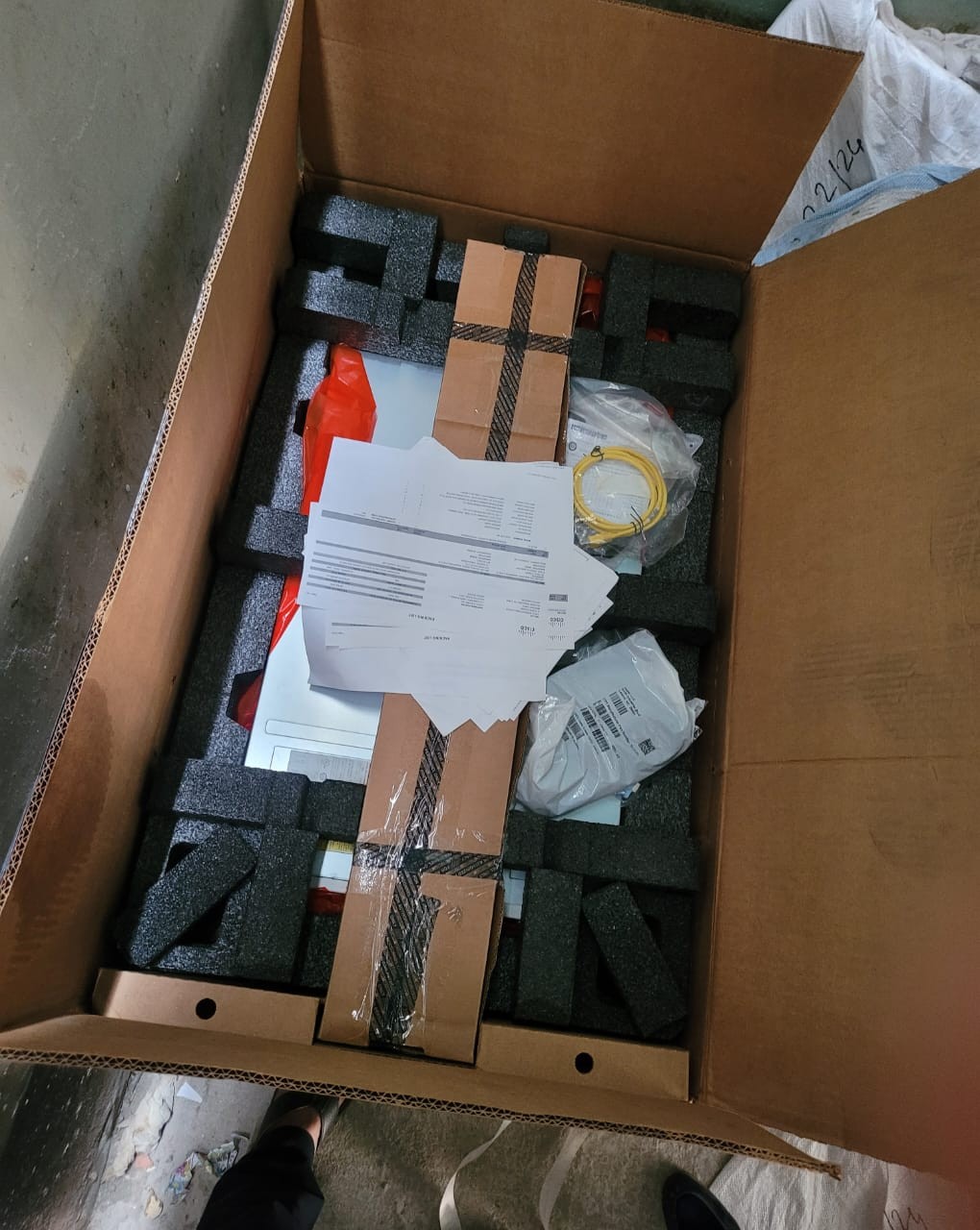
Check the product at Ekra Cargo
What
is a Server Rack?
A server rack is a
specialized frame designed to hold servers, networking hardware, and other
electronic devices in a neat, structured, and safe way.
Racks come in various sizes and
shapes but all serve the same basic purposes:
- Organization
— neatly holds all your equipment.
- Cooling
— allows airflow to prevent overheating.
- Security
— protects valuable hardware from theft or tampering.
- Scalability
— easy to add new components as your system grows.
Types
of Computer Server Racks
Choosing the right rack depends on
your space, hardware, and future growth plans. Here’s a quick breakdown:
1.
Open Frame Racks
- Simple, affordable, and great for easy access.
- Best for secure rooms or testing environments.
- Pros:
Excellent airflow, low cost, easy access.
- Cons:
No physical security, limited dust protection.
2.
Enclosed Server Racks (Cabinets)
- Fully covered, lockable doors and side panels.
- Ideal for offices, data centers, and shared
environments.
- Pros:
Great security, dust protection, better cable management.
- Cons:
Higher price, slightly reduced airflow.
3.
Wall-Mounted Racks
- Mounted on walls to save floor space.
- Perfect for small businesses or homes.
- Pros:
Space-saving, easy maintenance.
- Cons:
Limited weight capacity.
Top Server Rack Recommendations
1. StarTech 12U Open Frame Rack
Why we like it:
A solid and affordable choice for small setups or labs.
Pros:
✔️ Adjustable depth for different equipment sizes
✔️ Open design for maximum airflow
✔️ Budget-friendly
Cons:
❌ No lock for security
❌ Exposed to dust
2. NavePoint 15U Wall Mount Rack
Why we like it:
Excellent for small office spaces with limited room.
Pros:
✔️ Lockable front door
✔️ Compact, wall-mounted
✔️ Pre-drilled holes for ventilation
Cons:
❌ Limited weight support
❌ Only suitable for smaller servers
3. Tripp Lite 42U Enclosed Server Rack Cabinet
Why we like it:
A professional-grade, heavy-duty server rack built for enterprise-level needs.
Pros:
✔️ Lockable doors and sides
✔️ Pre-installed casters for mobility
✔️ High weight capacity (up to 3000 lbs)
Cons:
❌ Expensive
❌ Assembly takes time
Key
Features to Consider Before Buying
When choosing a server rack, keep
these essentials in mind:
Rack Size (U Height)
Measured in “U” units — 1U equals
1.75 inches. Common sizes range from 12U to 48U.
Pick a size that fits your equipment and future expansion.
Cooling & Ventilation
Look for racks with ventilation
slots or mesh doors. Overheating can shorten the life of your servers.
Security
Lockable racks prevent unauthorized
access, especially in shared office spaces.
Cable Management
Racks with built-in cable organizers
save you from a tangled mess.
⚖️
Weight Capacity
Always check the maximum load your
rack can handle. Heavy servers need strong, stable racks.
My
Personal Experience with Server Racks
When I first set up my home lab, I
underestimated the importance of planning rack space. I bought a 12U open-frame
rack thinking it was more than enough.
But as I added more devices, I ran out of room in just six months.
Lesson learned?
Always buy one size bigger than you think you need. Growth happens
faster than you expect!
I also recommend investing in good
cable management from the start. It saves hours of frustration later on.
Buying
Guide: Step-by-Step
Step 1: Measure your equipment (height, depth, and width).
Step 2: Consider future hardware expansion.
Step 3: Decide on the rack type: open-frame, enclosed, or wall-mounted.
Step 4: Check for ventilation and cooling options.
Step 5: Look for lockable doors for added security.
Step 6: Make sure it fits in your space — double-check dimensions!
Step 7: Compare prices and customer reviews.
FAQs
About Computer Server Racks
❓
What size server rack do I need?
Measure your equipment in “U” units.
Add extra space for future devices. For most home labs, 12U–24U is a great
starting point.
❓
Can I use a server rack at home?
Absolutely! Many small businesses
and tech enthusiasts use racks at home for network gear, NAS units, and
servers.
❓
Do server racks help with cooling?
Yes. Server racks are designed to
optimize airflow and reduce overheating — especially when combined with room
ventilation or fans.
❓
Are server racks expensive?
Prices range from around $150 for
small open-frame racks to over $1,500 for large enclosed models. Your choice
depends on needs and budget.
❓
Do I really need a lockable server rack?
If your rack is in a shared space or office, locking doors are highly recommended for security and peace of mind.
Final
Thoughts
Whether you're building a home lab,
upgrading your business network, or managing an enterprise — a computer
server rack is a must-have for anyone serious about organization, security,
and scalability.
Pro tip: Start
small but plan big. A good rack is an investment that can last you years, so
choose wisely!
If you want help picking the perfect
model, just ask — I’m happy to help.


Ekracargo.com - Your trusted partner in industrial efficiency, providing a wide range of premium quality spare parts at competitive prices.
Contact Info
- Address: House 54 | Road 14 | Sector 14 | Uttara | Dhaka 1230 | Bangladesh
- Phone: Contact: +8801634736139 (WhatsApp) ,+8801789394669 (WhatsApp)
- Email: info@ekracargo.com