




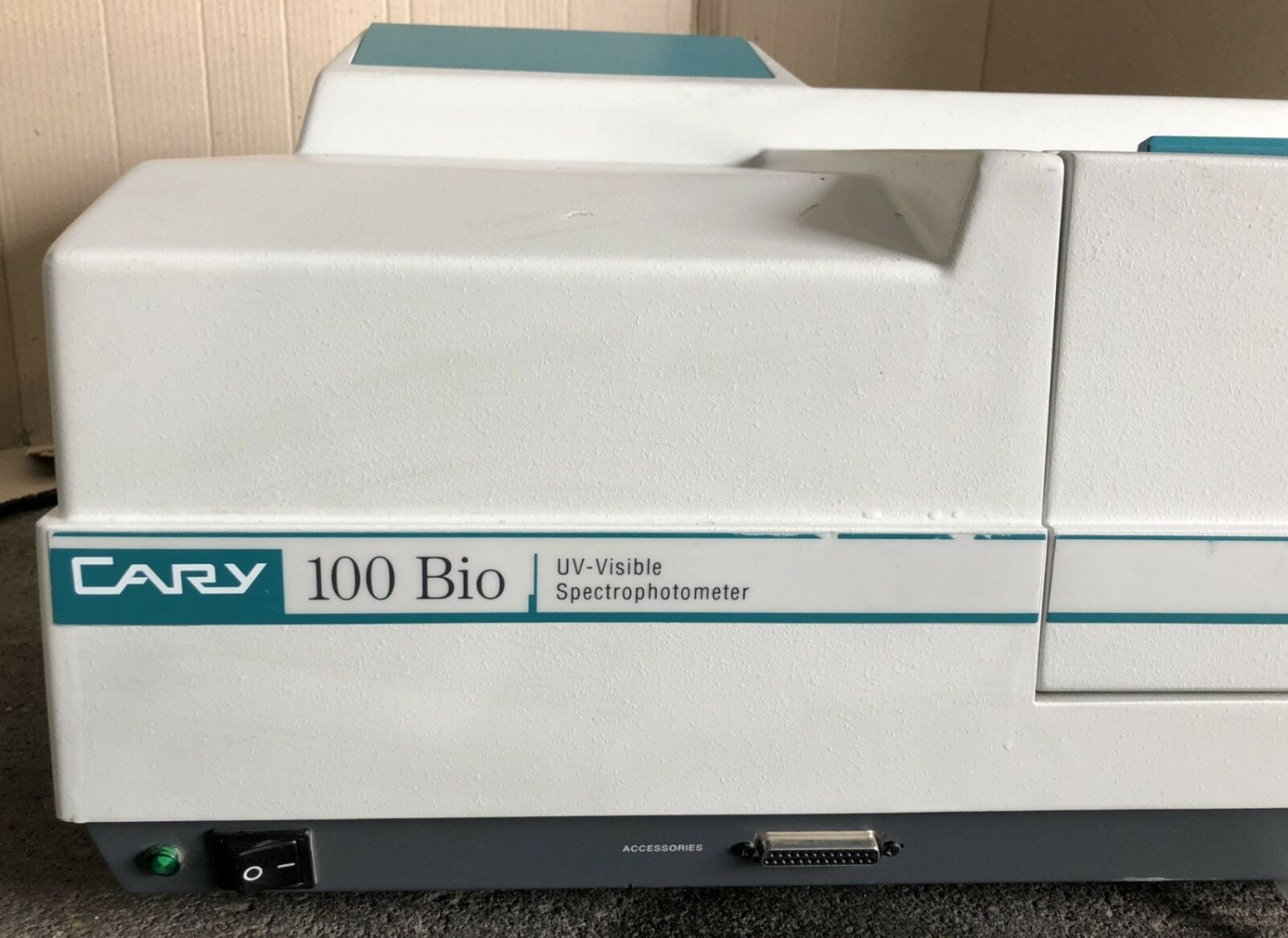
Cary 60 UV-Vis Spectrophotometer SOP: Essential Steps for Accurate Analysis
The Varian Cary 60 UV-Vis spectrophotometer SOP gives you an easy-to-follow step-by-step procedure to obtain accurate results. This is important because you can be in a research institution or in the quality control lab; adhering to the SOP will ensure you get the right results.
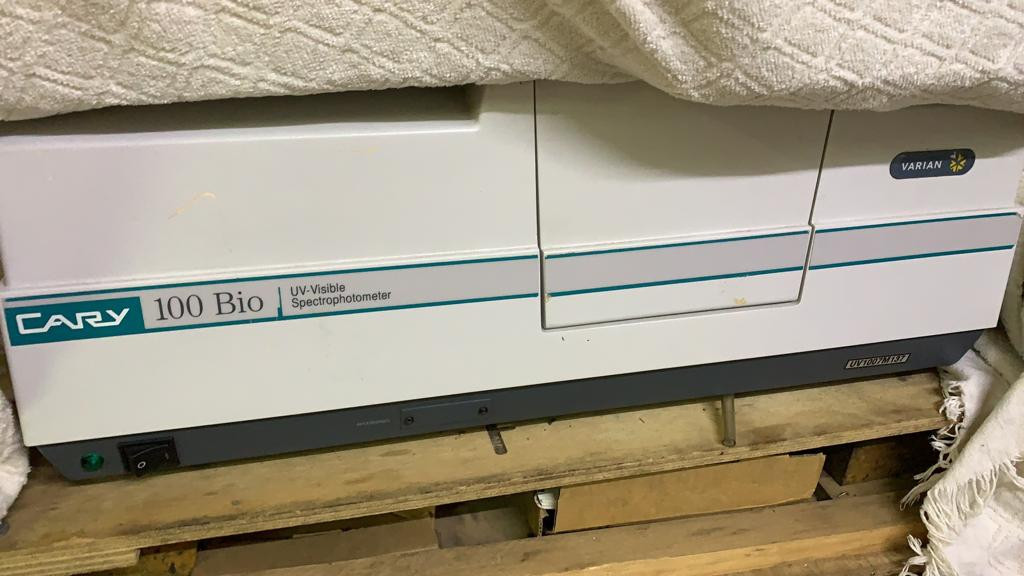
Check the similar product at Ekra Cargo
1. Setup of the
First, turn on your Cary 60 UV-Vis
Spectrophotometer. Let it warm up for at least 30 minutes. Then initiate the
operating software on the computer (Cary WinUV), making sure that the lamps and
optics have reach a stable condition.
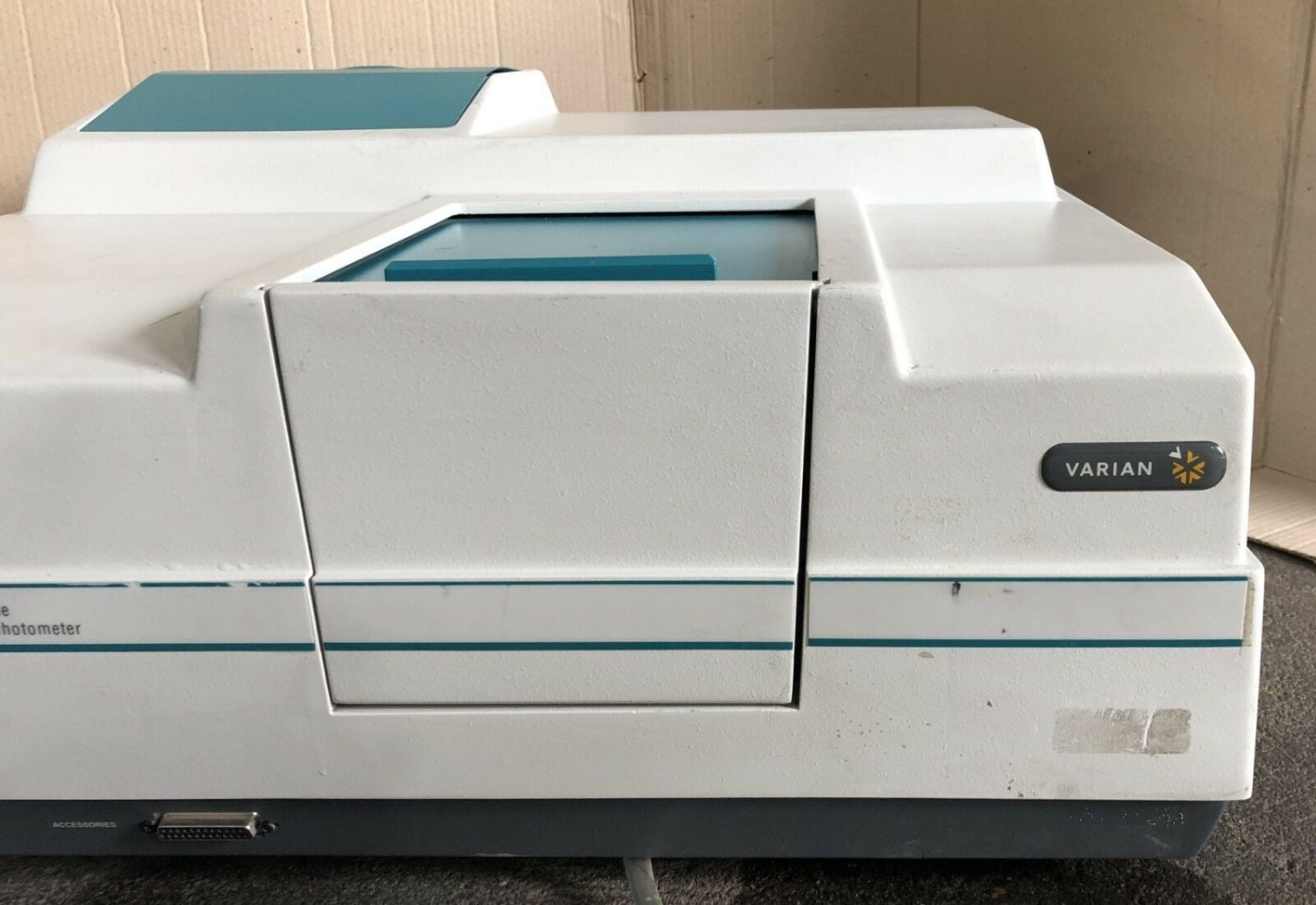
2. Baseline Measurement
Position a blank reference cuvette
filled with the corresponding blank solution (solvent, in this case) within the
sample compartment. A baseline scan is necessary to automatically factor out
background absorbance values prior to actual testing with a sample.
3. Sample Preparation:
Prepare samples in clean matching cuvettes with accurate volume and optical clarity. Prevent bubble formation and fingerprints to avoid spectral artifacts.
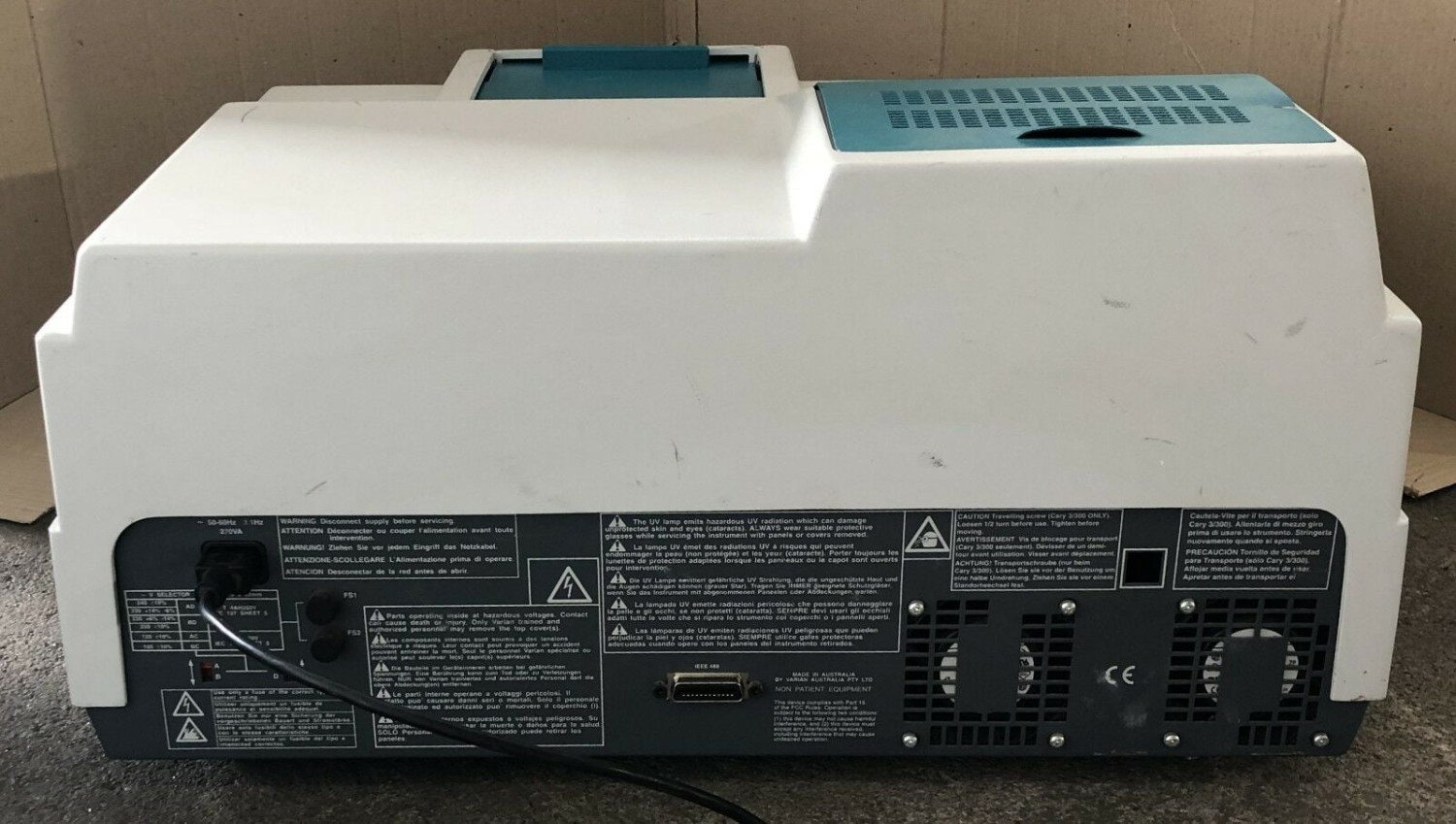
Check the product at Ekra Cargo
4. Measurement
Load samples and specify a desired wavelength region (e.g., 200-800 nm), or specific monitoring wavelengths. 5. Data Handling & Cleanup: Save all spectral data. Also, remove all cuvettes from the instrument. Clean all cuvettes thoroughly.


Ekracargo.com - Your trusted partner in industrial efficiency, providing a wide range of premium quality spare parts at competitive prices.
Contact Info
- Address: House 54 | Road 14 | Sector 14 | Uttara | Dhaka 1230 | Bangladesh
- Phone: Contact: +8801634736139 (WhatsApp) ,+8801789394669 (WhatsApp)
- Email: info@ekracargo.com